
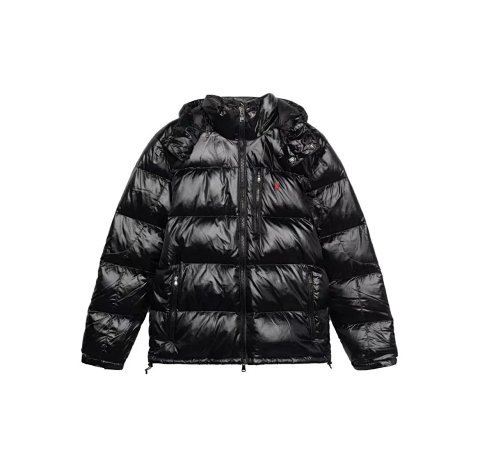
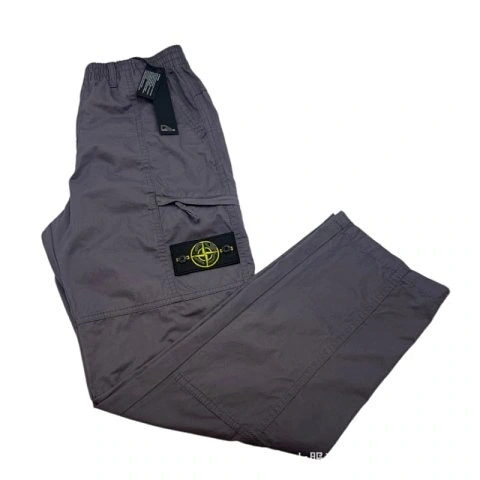
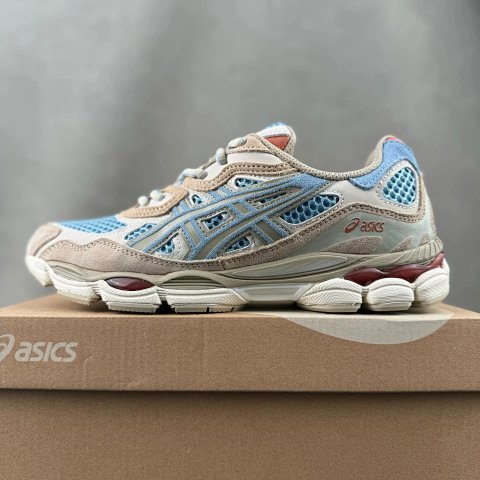
Shoes
Explore Weidian finds, compare product and warehouse photos, and choose where to buy.
Start with a style or explore the full spreadsheet.
8,087 Weidian listings from the FindSpreadsheet preview catalog.
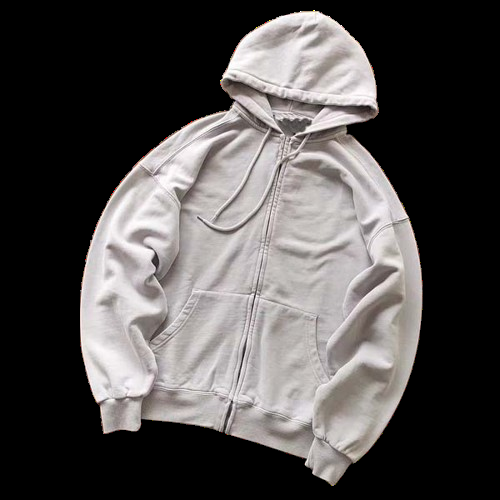
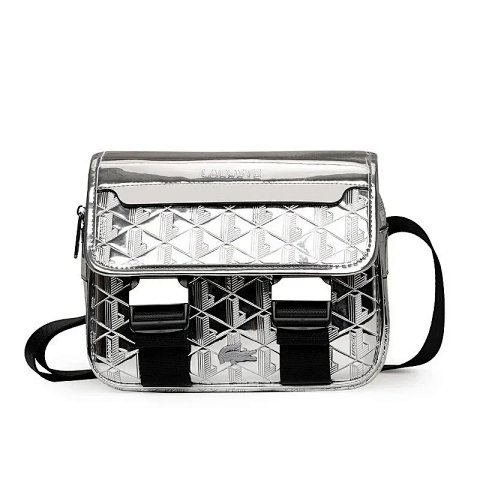
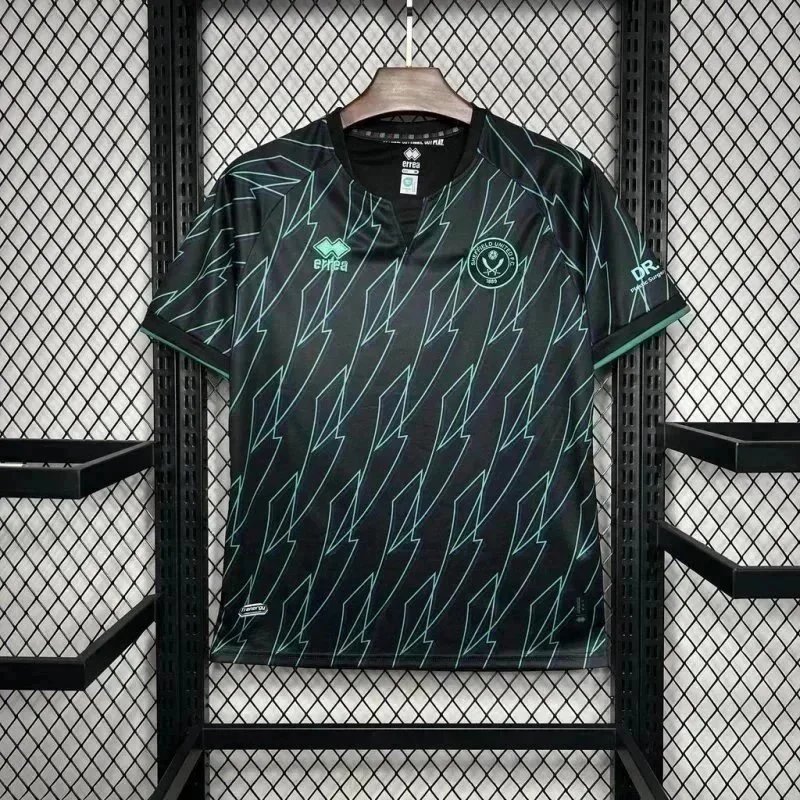
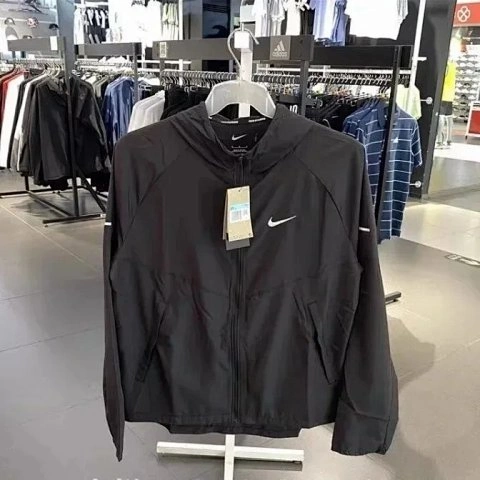
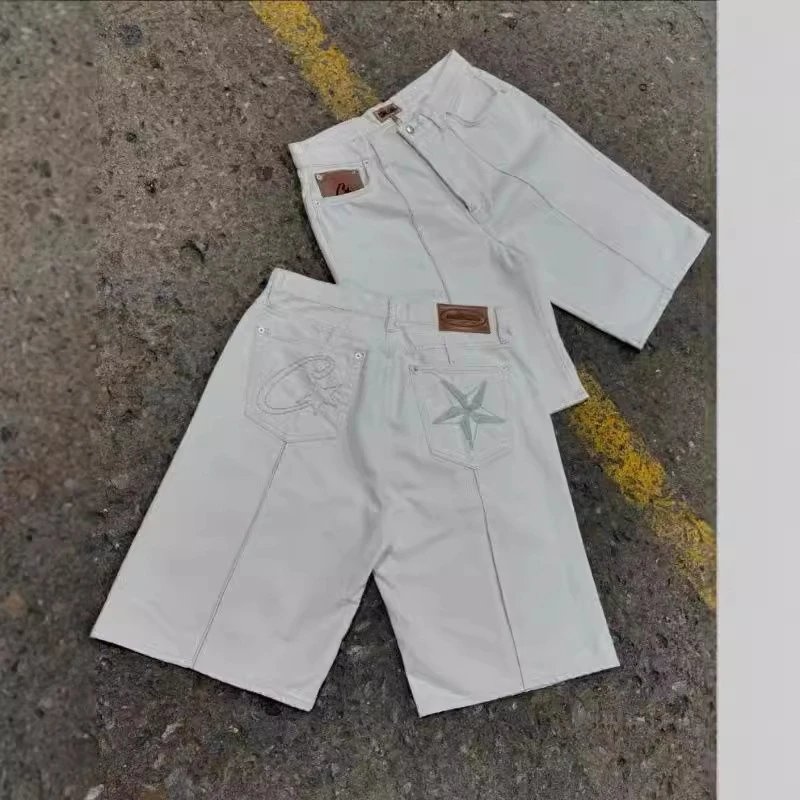
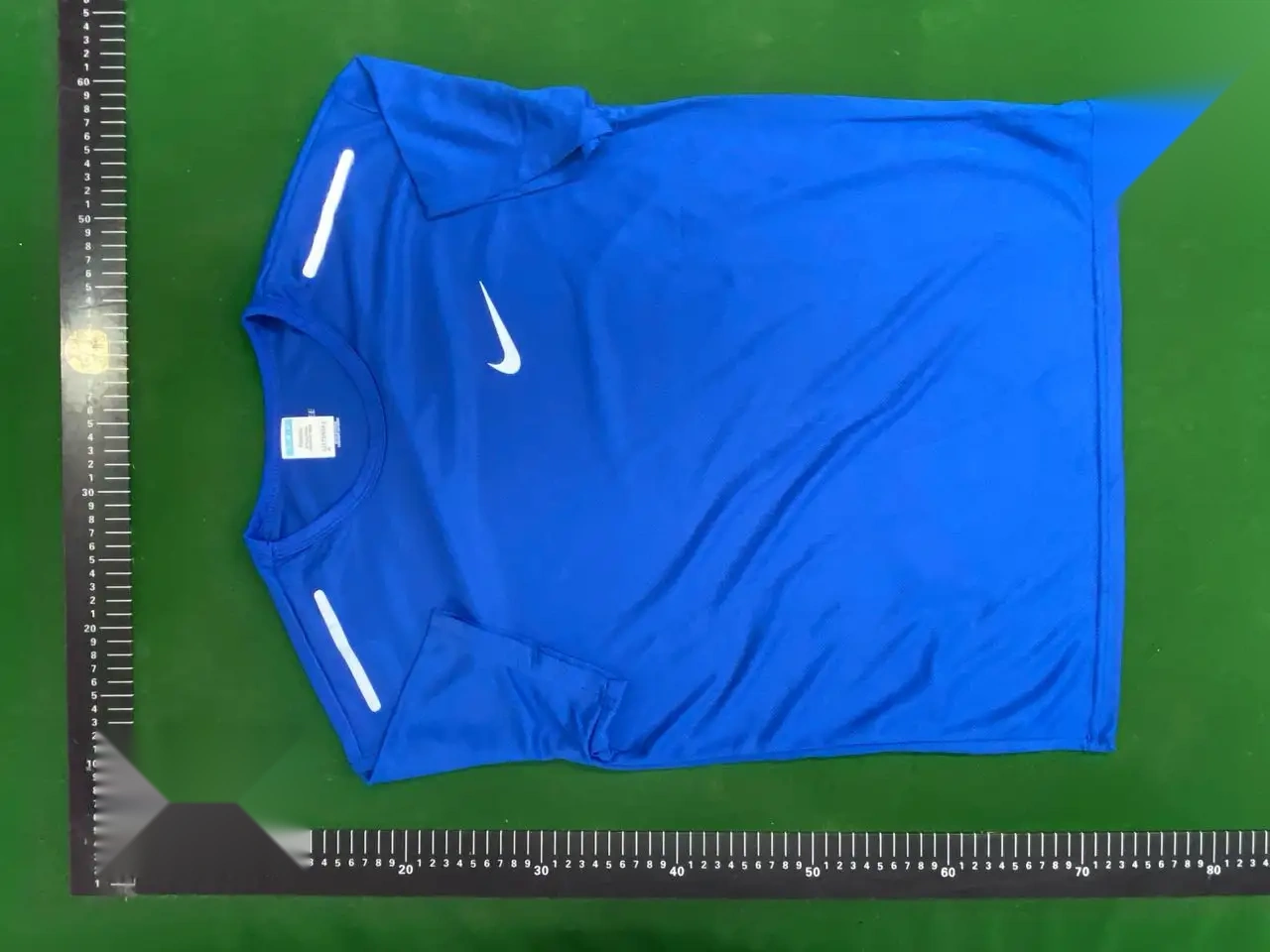
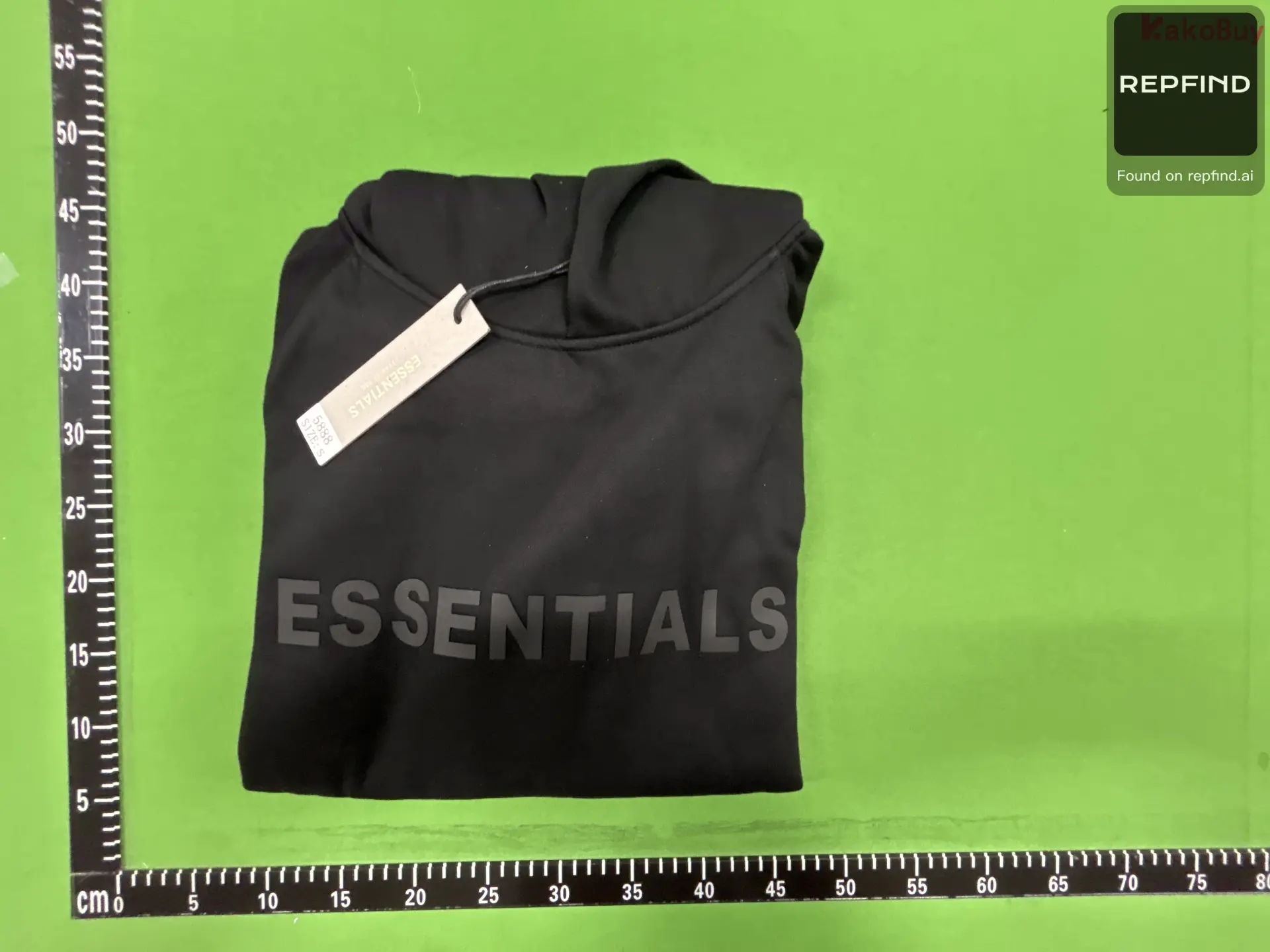
Follow a real catalog example to compare listing photos, warehouse QC, sizes, price and shopping agents before ordering.
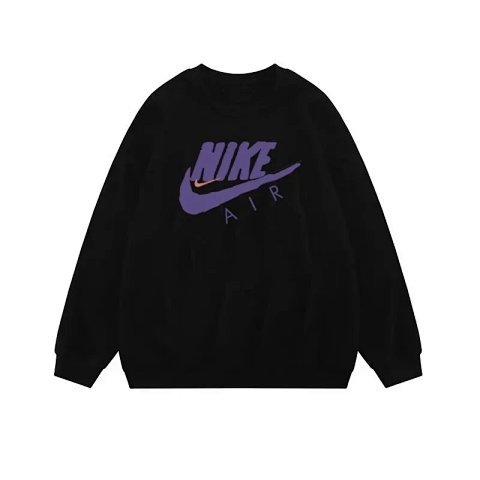
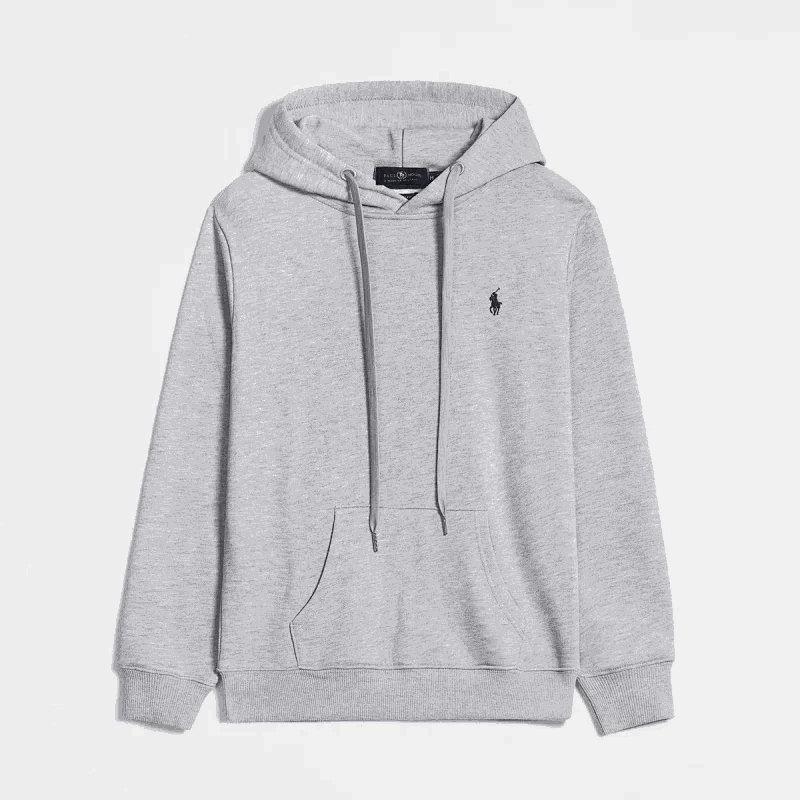
This black graphic crewneck is a Weidian listing in the FindSpreadsheet catalog. Open the product page for the complete gallery and agent links.
Open the product carousel and look through each view. Compare the overall shape and finish with close-ups of the neckline, cuffs and printed details. Use the original FindSpreadsheet listing to confirm you are looking at the same Weidian product.
The QC gallery shows warehouse photos associated with this listing. Use the shots to look at the print placement, stitching and visible measurements. After ordering, review your own warehouse inspection photos before submitting the parcel.
Open the current seller options through your shopping agent. Compare chest width, garment length and sleeve length with a similar item you already own. Check the measurement units and choose your size and color before paying.
The spreadsheet shows an estimated item price in US dollars. Review the agent’s current item price and any domestic delivery charge. Once your items are in the warehouse, compare the available international routes, estimated parcel weight and shipping fees.
Use the product detail page to open LoveGoBuy or another supported shopping agent with the same Weidian ID. Compare the current options, warehouse photo service and routes available for your destination.
Use the product’s category or the related products below its detail page to compare alternatives. For visual comparison, open image search and select a reference photo to find similar listing and warehouse images.
Follow the process from a Weidian listing in the spreadsheet to a parcel shipped by LoveGoBuy.
Open the spreadsheet and search by name or Weidian ID. Try 7858402075 to find the hoodie used in this walkthrough. Open the result and compare the listing photos.
Try this search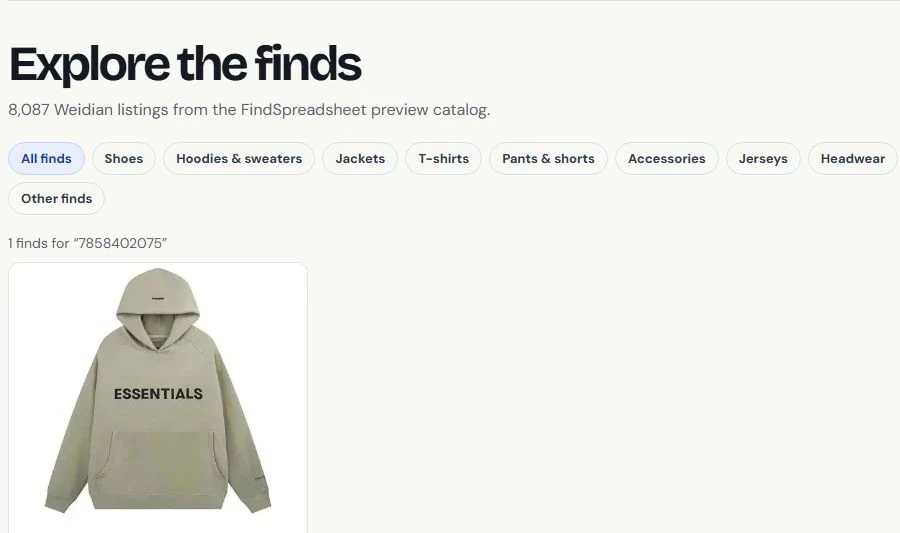
Open the listing’s warehouse QC panel or enter the product ID in QC Finder. Sample 7321418559 shows how warehouse photos appear when available.
Open the QC sample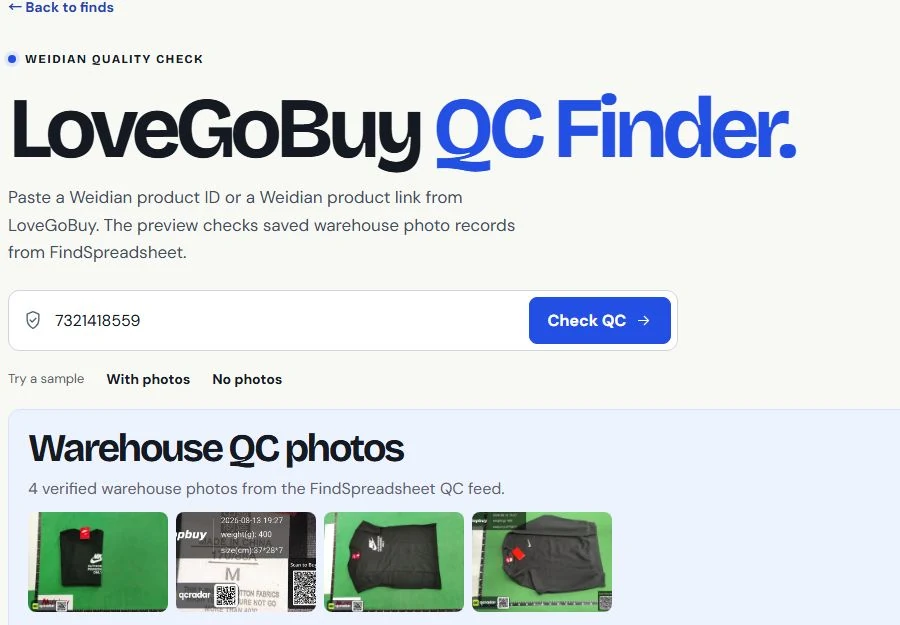
Select Buy on LoveGoBuy on the Findsheet product page. Sign in or create a LoveGoBuy account, then verify the seller’s current price, options and stock.
Open the sample product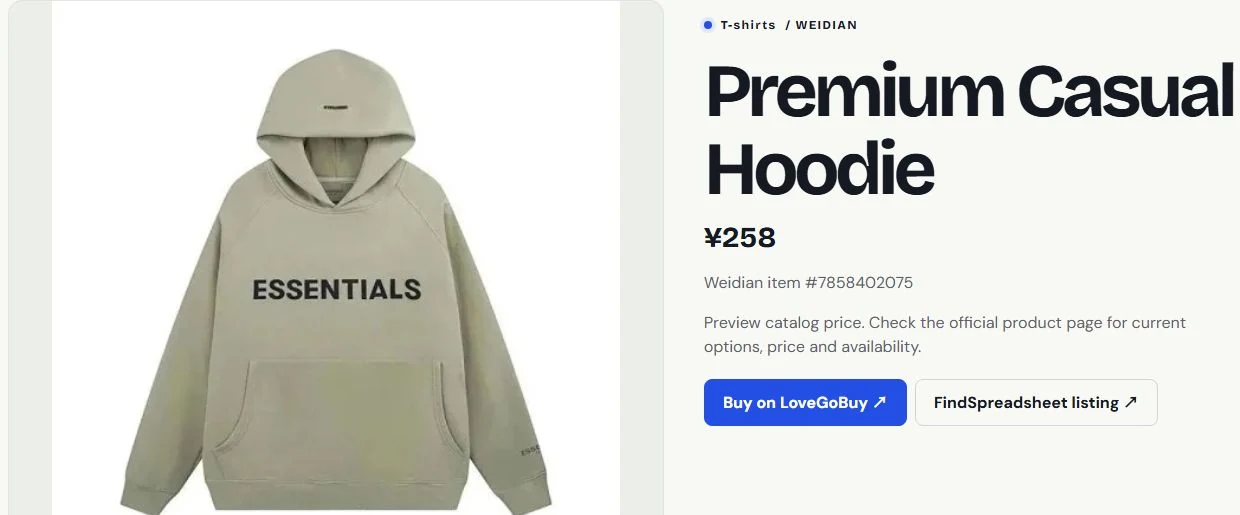
Choose the color, size and quantity shown on the LoveGoBuy listing. Use Add to Cart or Buy Now. Review the item and domestic shipping costs before paying. LoveGoBuy then orders from the seller.
Open LoveGoBuy listing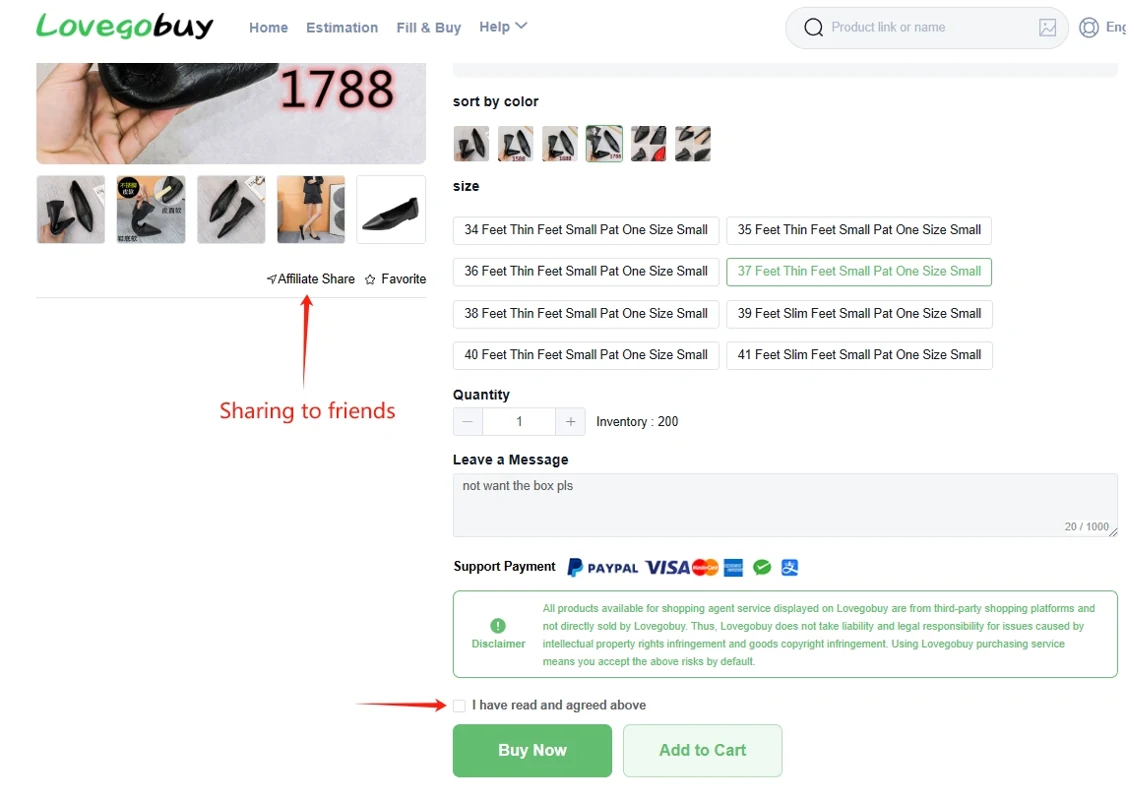
When your order reaches the warehouse, open User Center → Warehouse to review photos of your item. Select the items you want to send, enter the delivery details, and choose an international shipping route.
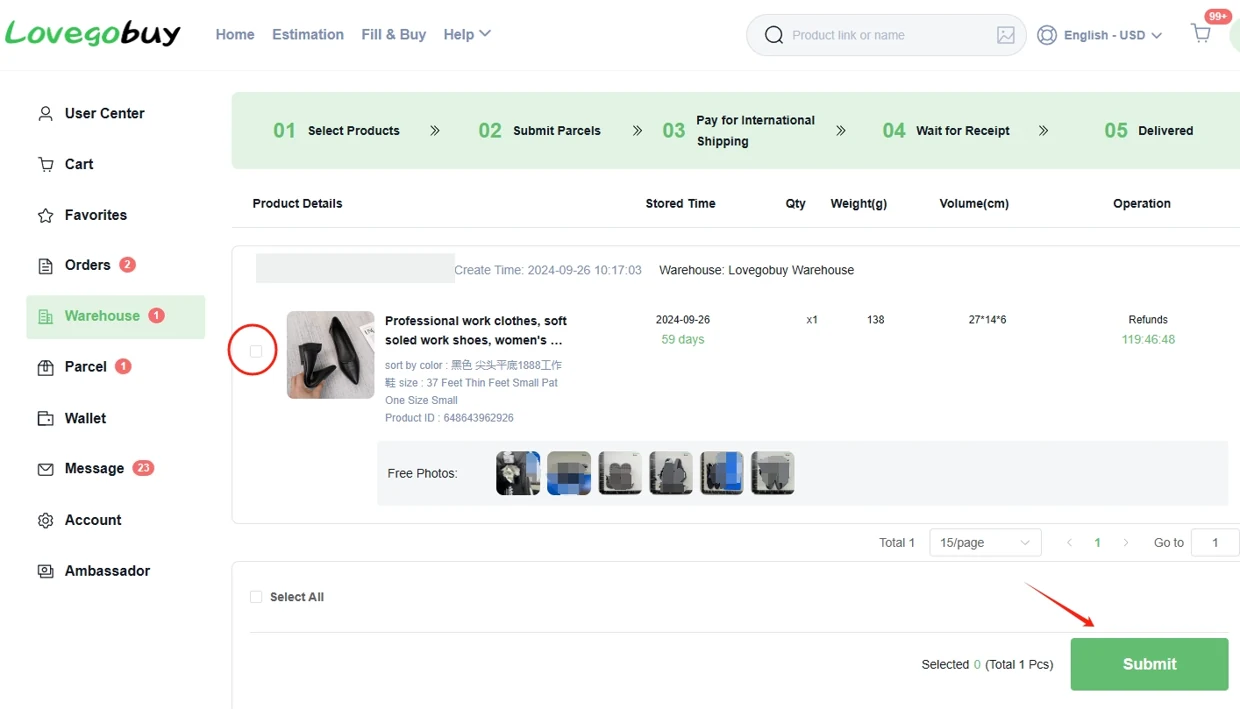
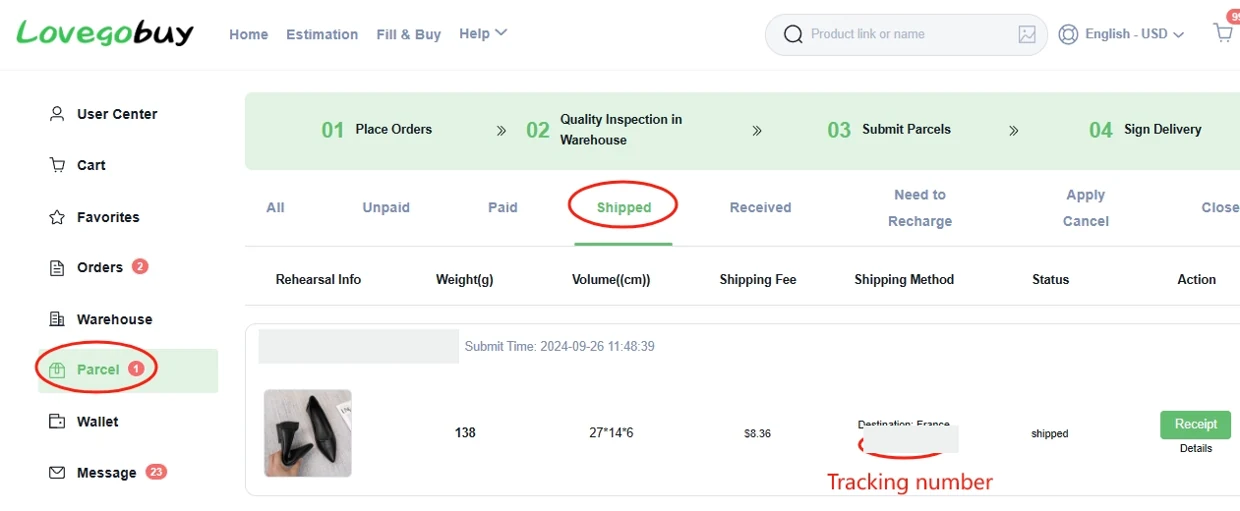
Review the international shipping total and pay the parcel charge. LoveGoBuy packs and dispatches the parcel. Open Parcels to follow the tracking updates.
Answers about Weidian finds, ordering, warehouse QC photos, USD prices and international shipping.
This LoveGoBuy spreadsheet is an independent catalog of FindSpreadsheet Weidian listings. Filter by category, search by item name or ID, and open a product to see its listing photos, estimated USD price and any available QC photos.
Use the Buy on LoveGoBuy button to open the matching item on the agent. Confirm the seller, variant, stock and current price there before ordering. You can compare other agents using the same Weidian item ID.
LoveGoBuy’s purchase guide lists Weidian, Taobao, Tmall and 1688 as sources for link-based purchasing. Paste the seller’s original product link into LoveGoBuy, then select the size, color, quantity and any other listed options.
The items indexed on this Findsheet are Weidian finds. If you already have a Taobao or 1688 product link, open it through LoveGoBuy directly and confirm that the agent retrieved the intended listing.
Open Image Search and select a clear photo of one item. Crop busy backgrounds, screenshots with multiple items and large text overlays before searching. The browser compares your photo with catalog, carousel and warehouse images and ranks visually similar listings.
Open likely matches and confirm the original item ID, seller photos and variant. Similarity results can include different sellers or versions of the same style.
Compare the seller’s size chart with measurements from a similar garment you already own. Check how chest width, garment length and sleeve length were measured, and confirm whether each value is in centimeters or inches.
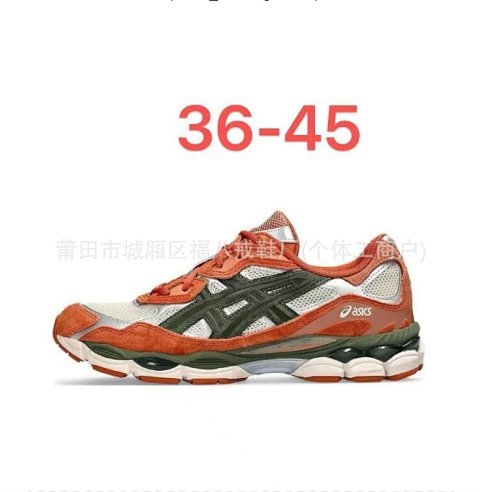
For shoes, compare the size system and any insole or foot-length measurements offered by the seller. Use the listing photos and available QC to compare the selected variant before submitting the parcel.
Open a Findsheet product on LoveGoBuy or paste its seller link into the agent. Select the variant and quantity, then review your order. LoveGoBuy purchases the item from the seller and receives it at its warehouse in China.
Once the item arrives, review the warehouse photos and choose which items to send. Submit the parcel, select an international route and review the shipping charge. After dispatch, check the parcel record for tracking.
The amount on the Findsheet is an estimated item price in US dollars, calculated from the recorded seller price using a reference exchange rate.
Check the agent’s current item amount and domestic delivery charge at checkout. Review international shipping and any optional packaging or other applicable charges when you submit the parcel. Those costs can vary with the route and destination.
The item payment is part of placing the shopping order. International shipping is a separate step after warehouse arrival, when you choose which items to pack together, enter your delivery details and select a route.
Review the currency and final amount on the LoveGoBuy payment screen. If the order shows an outstanding balance, check the explanation in the order and contact support with the order number if you need help.
Before buying, look for available warehouse photos on the Findsheet product page or try its Weidian ID in QC Finder. After ordering, open your item in the LoveGoBuy warehouse to see the inspection photos attached to your order.
Compare color, design placement, labels, stitching and any visible measurements. If an angle or measurement is missing, ask LoveGoBuy what additional inspection options are available before you submit the parcel.
The Findsheet may have no warehouse photos for that Weidian listing. In this case the detail page identifies any carousel images repeated in the QC section as listing photos. Use those images to compare the seller’s advertised variants.
An earlier warehouse photo for a listing can also show a different size, color or production run. For your own item, use the photos attached to the order in your LoveGoBuy warehouse.
LoveGoBuy’s storage article states a 60-day period starting when the order is marked stored. Check the deadline shown for each item in your own warehouse, especially if purchases arrive on different days.
Plan the parcel around the earliest deadline. Contact LoveGoBuy in advance if a late item or an unresolved QC issue may affect your shipping date.
If the warehouse photos show damage, the wrong variant or a size concern, open the order and contact LoveGoBuy before shipping it internationally. Include the item number, the issue and the relevant photos.
The available resolution depends on order status, seller terms and the applicable after-sales rules. Check the deadline, possible return shipping charges and refund method in the order or with support.
Enter the destination, item type, estimated actual weight and parcel dimensions when available. Compare the eligible routes and check any weight, size or category restrictions before choosing one.
Some routes use billed weight based on actual or volumetric weight. A large box can cost more even when its contents are light. Use the packed dimensions and final route quote when submitting the parcel.
In the warehouse, select the stored items you want to send together and create a parcel. Compare the available routes for that combined selection, including any limits on dimensions, weight or item types.
If a route is unavailable or the estimated parcel is too large, compare smaller groups of items. For bulky purchases, check whether a packing estimate or rehearsal is available before committing to a route.
The delivery estimate depends on the selected route and destination. Allow separate time for the seller to send the item to the warehouse, warehouse processing and packing before international dispatch.
Open Parcels in LoveGoBuy and select the dispatched parcel for its tracking number and status. Check the carrier’s updates when available, and share the parcel number with support if the status remains unclear.
Review your route’s rules for the exact item category and destination. The LoveGoBuy shipping estimator lists common restrictions and eligible routes can differ for electronics, liquids and other special items.
For import requirements, check your destination’s customs authority and the instructions shown at parcel submission. Keep the order details and use accurate item descriptions and values where a declaration is required.